
Log into AAHC as a search, report, report admin, super admin, or admin user.
Click the profile icon at the top right corner of the UI.
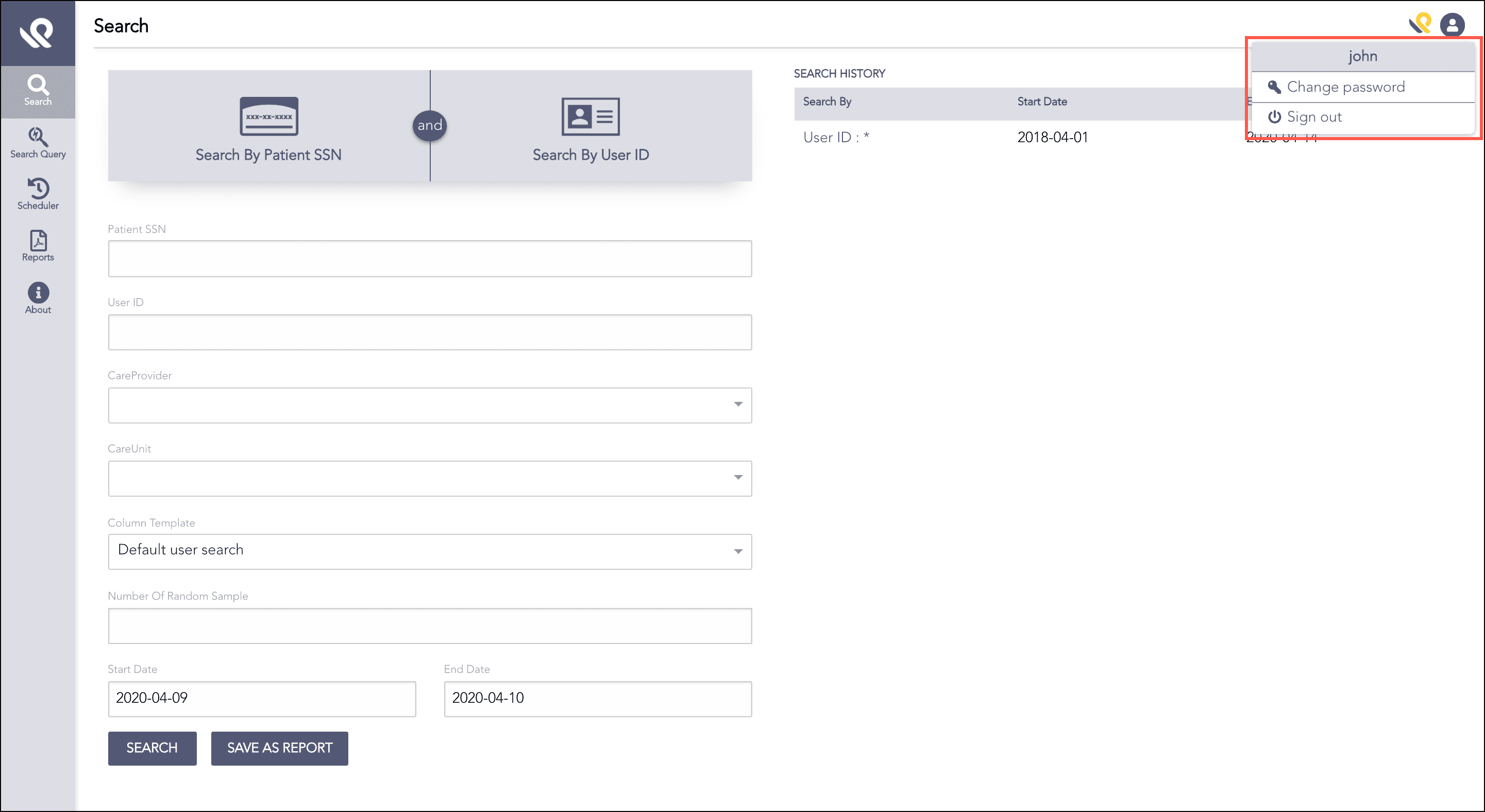
Changing the User Password
Click Change password to open the Change Password panel.
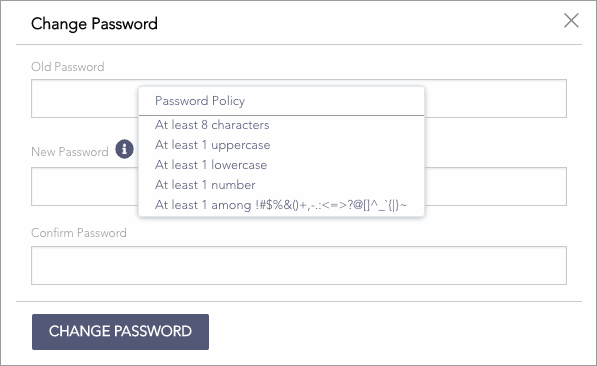
Changing Password Panel
Enter the Old Password and the New Password. Make sure to enter a strong password. Click the Information icon for details.
Re-enter the new password to confirm.
Click Change Password.